Losing files is painful. Losing them to someone else is worse. Picture this, you hop on airport Wi-Fi, send a folder from your laptop, and later you realize your login details are gone.
That kind of mistake is easier than you think. Everyday transfers like emailing photos, syncing cloud folders, or sending reports to a coworker can expose your data if the path is weak. In 2026, threats keep shifting, and man-in-the-middle (MITM) attacks on open networks remain a common way attackers intercept data.
The good news is you can keep data safe during transfers with practical steps. You do not need to become a security engineer. First, learn what to watch for. Next, lock transfers down with the right encryption and protocols. Then, use tools that make the safe path the easy path. Finally, build daily habits that help you stay protected even when you rush.
Spot the Biggest Risks Lurking in Your Data Transfers
Most transfer problems start before the “send” button. Hackers look for weak points like public Wi-Fi, outdated file protocols, or missing verification. After that, they try to either steal credentials or mess with the data itself.
In 2026, breach data still points to the same theme: stolen access and human error. Credential theft drives a large share of incidents, and phishing attacks often kick things off on day one. In other words, attackers don’t always need to break encryption. They often trick you into handing them the keys.
Here’s what that can look like for real transfers:
- Stolen logins and tokens: Your email or cloud sign-in gets harvested during a transfer.
- Altered files: The recipient gets a changed document, not what you sent.
- Exfiltration to cloud: A breach may move data into cloud storage during the attack.
- Stolen personal data: Names, addresses, and IDs can leave unnoticed.
One more scary detail from 2026 breach trends: it can take months to notice a breach. Average time to discovery in recent reporting sits around 279 days. So even one risky transfer can matter later, not right away.
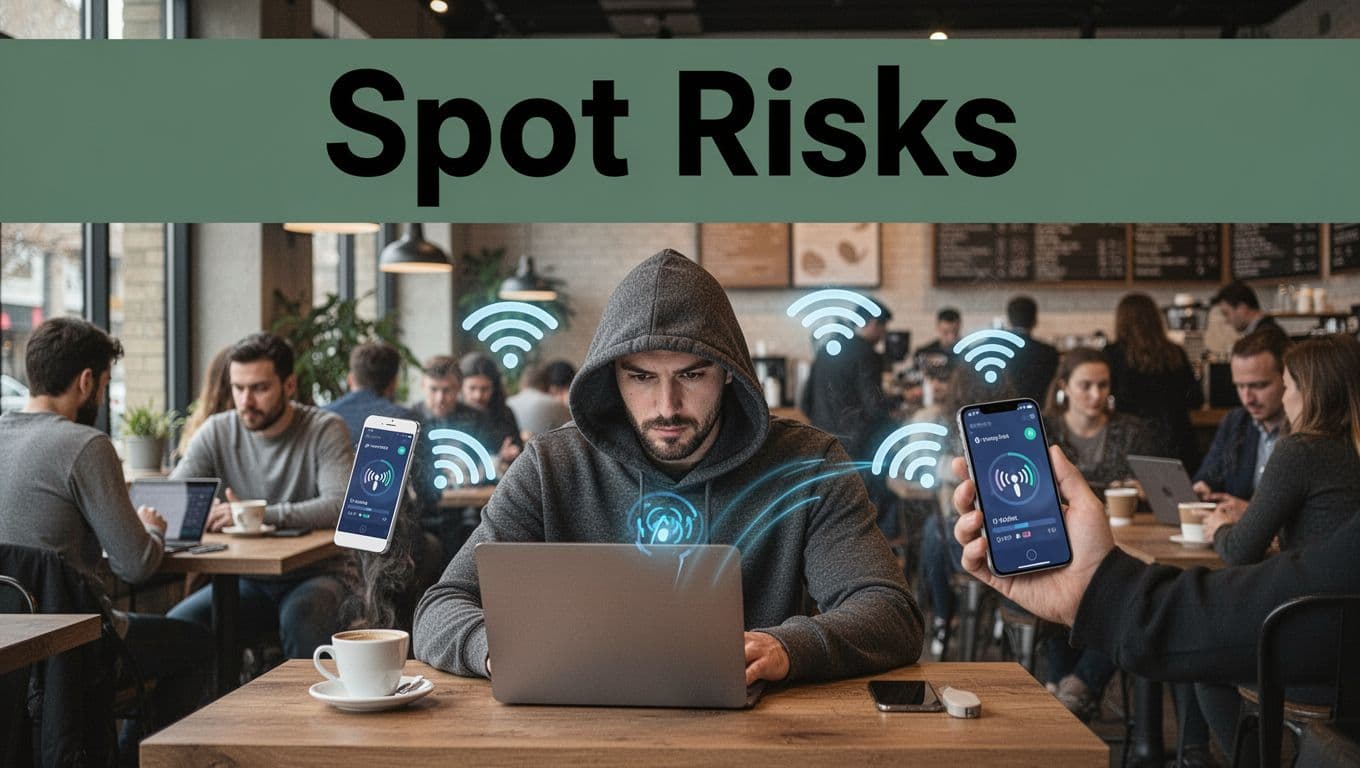
What Man-in-the-Middle Attacks Look Like in Real Life
MITM attacks are simple to picture. A hacker positions themselves between you and the site, server, or transfer tool you think you’re using. Then they intercept what you send, and sometimes change it, before it reaches the real destination.
You do not need to see “hacking” on screen. It can feel normal. Speeds may drop a little, pages might redirect, or the connection might look odd. Meanwhile, your device may be sending unencrypted or partially trusted data.
Some recent reporting has highlighted Wi-Fi attacks that can lead to full bidirectional MITM behavior. If you want a deeper read on how these attacks work, see New Attack Against Wi-Fi.
In day-to-day life, MITM often connects to Wi-Fi situations like:
- Coffee shops where the network name looks “official”
- Hotels where you just picked the first “secure” option
- Home networks where a guest device got compromised
- Airports where captive portals redirect you quickly
Think of it like eavesdropping on a phone call. You still “hear” words, but someone else can also listen, copy, and swap messages. If your transfer lacks strong encryption and verification, that’s exactly what can happen.
Why Public WiFi and Unsecured Networks Spell Trouble
Public Wi-Fi is like sharing a room with strangers. Even if you trust the vibe, you still have no control over the setup. Attackers can sit nearby and monitor or tamper with traffic, especially if your transfer tool does not use modern security.
In 2026 breach patterns, credential theft remains a major route into accounts. Public Wi-Fi makes that easier because many people transfer sensitive data while tired or distracted. They may also skip VPNs, skip 2FA prompts, or reuse passwords.
If you want a plain-English explainer of the problem, check Risks of public Wi-Fi: a 2026 guide. It’s a good starting point for why HTTPS helps, but does not solve everything.
Here’s the key point. HTTPS protects web pages, but many transfers can still leak if you use the wrong method. File uploads, sync clients, and “quick” sharing can behave differently than browser traffic.
So when you transfer on open networks, assume someone could try:
- watching traffic for useful info
- spoofing connections to trick your device
- pushing fake prompts to steal logins
None of this means you should fear every transfer. It means you should pick safer routes and keep your verification tight.
Lock Down Transfers with Strong Encryption and Protocols
Encryption is your main seatbelt. It makes intercepted data unreadable. Still, not all encryption is equal, and not all transfer methods protect the full path.
Start with two goals: protect data in transit and protect it at rest. Then add checks that catch corruption or tampering. Finally, enforce access control so only the right users can send or receive.
Here’s a step-by-step approach you can follow the next time you need to move files.
- Use modern transport security for the connection
Choose TLS 1.3 for web and APIs, and secure file transfer like SFTP for file moves. - Encrypt the file contents before sending (when possible)
AES-256 is a strong standard for file encryption. - Verify integrity after transfer
Use checksums or hashes so you can confirm the file matches what you created. - Lock down accounts with MFA and least privilege
Give users only the access they need, and avoid shared logins. - Log and monitor transfers
Keep audit logs and review alerts for odd send times or unusual targets.
When encryption and verification work together, you reduce two different risks. First, theft becomes far harder. Second, altered files get detected instead of accepted.
Encrypt Your Files the Right Way Before Sending
If you only do one thing, encrypt the data before it leaves your device. That way, even if someone intercepts the stream, the content stays scrambled.
AES-256 is widely used because it offers strong protection. It’s not magic, but it’s solid. The main detail is key management. If someone steals your encryption key, encryption loses its value. So keep keys safe and rotate them when you can.
Also, encrypting in transit and at rest matters. “In transit” protects while moving. “At rest” protects if a device, server, or cloud account gets compromised later.
A simple mental model helps. Encryption is like putting your file in a sealed box. If someone opens the box during transit, they still can’t read it. If the box ends up in the wrong place later, it’s still locked.
Pick Protocols That Actually Protect Your Data
Protocols decide how data moves. The wrong choice can weaken security even if you “thought” you were using HTTPS. For example, older FTP moves credentials and file contents in ways that attackers can read.
For a helpful comparison of the file-transfer protocols that people mix up, see SFTP vs FTPS vs FTP: Which Protocol Should You Use in 2026?.
Here’s a quick guide for common scenarios:
| Transfer method | Best use | What it protects | Common weak spot |
|---|---|---|---|
| SFTP | File moves, vendor handoffs | Encrypted transfer with SSH-based security | Misconfiguration on servers |
| FTPS | Legacy partners who require FTP-style flows | TLS-wrapped FTP commands and data | Still less flexible than SFTP |
| HTTPS | Web uploads, portals | TLS encryption for browser sessions | Can’t replace secure file sharing |
| Plain FTP | Avoid if you can | Often none for file content | Sends usernames and data in readable form |
As a rule, use SFTP for files. Use HTTPS for web access. Then verify integrity with hashes or checksums when the tool supports it.
Top Tools That Make Secure Transfers a Breeze
Tools help you do the right thing without thinking too hard. Still, tools only matter if you set them up correctly and keep them updated.
In 2026, the safest “default” tools combine encryption with strong login control. They also reduce the chance that you share the wrong file or reuse passwords. That’s where many real-world mistakes happen.
VeraCrypt and Signal: Your Go-To Encryption Helpers
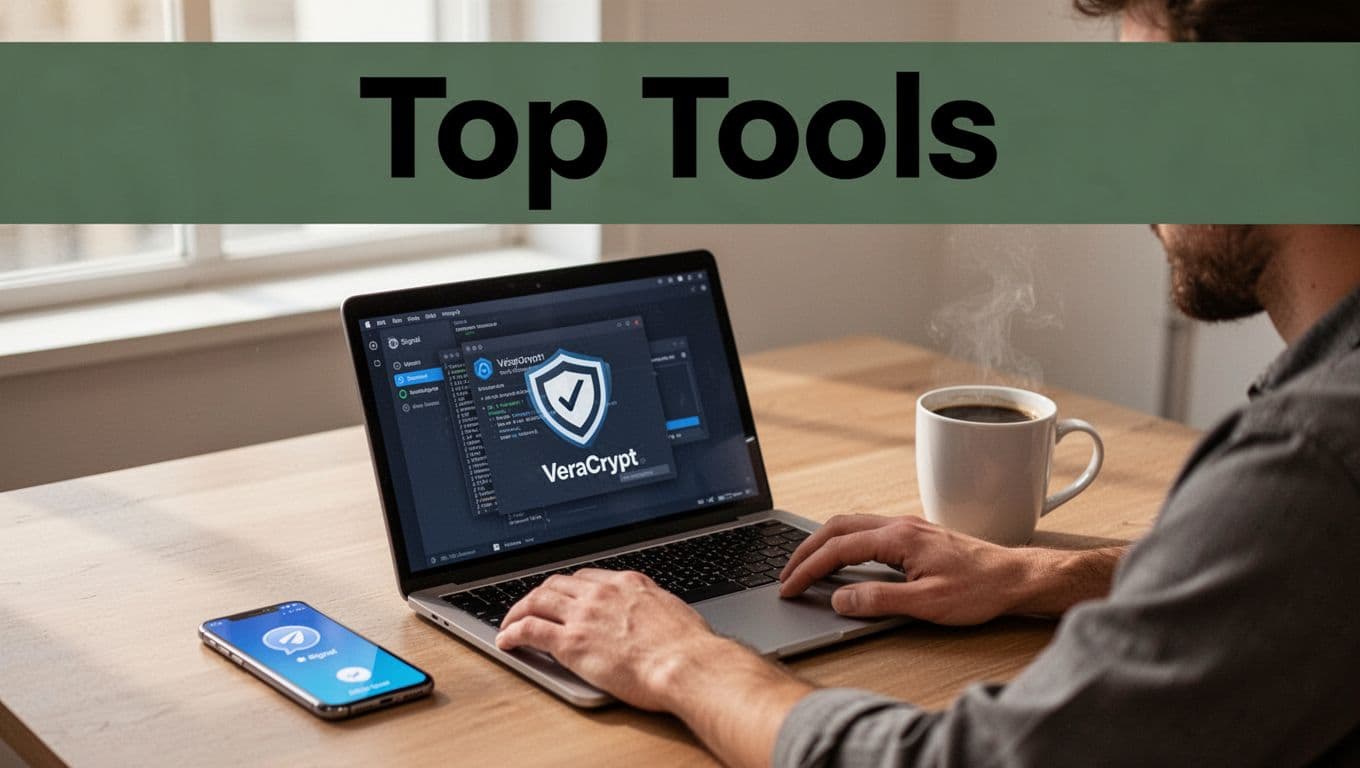
When you need to protect files locally, VeraCrypt is a popular choice. You can encrypt a file container or even create encrypted volumes. If your device gets stolen, the encrypted data stays locked until someone has the right password (and key handling stays clean).
For quick, private sharing of smaller items, Signal is a strong pick. It uses end-to-end encryption for messages and calls. That helps when you’re sending content between people and you want privacy that doesn’t rely on the server reading your data.
Just keep expectations realistic. Signal is great for messages and many attachments, but file transfers that need large uploads or business workflows may require a file-sharing tool built for that job.
A good practical pattern looks like this:
- Encrypt large sensitive files with VeraCrypt before transfer
- Share smaller sensitive notes with Signal when you need speed
- Use a secure file transfer protocol for big regular business sends
This approach reduces risk from two directions. Even if a transfer path gets attacked, the file contents still have protection.
VPNs and Password Managers for Extra Layers
VPNs help most on public networks. They create an encrypted tunnel between your device and the VPN endpoint. That makes it harder for nearby attackers to read traffic on the Wi-Fi.
If you want third-party guidance on VPN choices, check The Best VPN Services of 2026: 50+ VPNs Tested & Ranked. It can help you compare providers by security and privacy claims.
Pair your VPN with a password manager. This is one of the easiest wins you can make. It helps you use unique passwords everywhere. It also reduces your risk when phishing tries to trick you into reusing old credentials.
Then add 2FA everywhere. App-based 2FA is usually better than SMS. Also, protect admin accounts first. If someone hijacks an admin session, they can change settings and weaken security fast.
Finally, watch out for shared logins. If two people share one account, you lose audit clarity. You also make it harder to investigate when something goes wrong.
Daily Habits and 2026 Trends to Stay One Step Ahead
Tools help, but habits keep you safe when life gets busy. The main question is simple: will your security still hold when you’re not thinking about it?
In 2026 breach patterns, human error and missteps keep showing up. That means small routines matter. They reduce the chance you send something on the wrong network or to the wrong place.

Simple Habits to Protect Transfers Every Day
You do not need a 30-step security routine. You need a few strong habits that you repeat.
First, avoid sensitive transfers on public Wi-Fi unless you’re using a VPN. If you can wait, wait. If you must send, protect the path.
Second, verify what you sent. Checksums and integrity checks catch both corruption and tampering. If your workflow supports file hash comparisons, use them.
Third, reduce account exposure. Use unique passwords stored in a password manager. Turn on 2FA for every important account. Also, review account access every quarter. When people change roles, their accounts often stay open.
Fourth, test your backups. Encrypted backups are only useful if you can restore them. A good test is restoring to a clean, controlled environment.
Finally, watch your logs and alerts. If you see an odd transfer time or an unknown device login, act quickly. Waiting makes it harder to limit damage.
What’s New in 2026: Quantum Threats and Global Rules
Security changes in layers. Right now, quantum-resistant encryption is gaining attention because future quantum computers could threaten some current approaches. That’s why many organizations are planning for post-quantum cryptography (PQC) and “crypto agility,” meaning they can update encryption methods without rebuilding everything.
Regulation is also pushing better protection. In the US, frameworks and guidance for quantum migration have been evolving, and many organizations now treat PQC planning as a long-term compliance issue. For a clear reference on US PQC policy framing, see The Complete US Post-Quantum Cryptography (PQC) Regulatory Framework in 2026.
At the same time, AI adds new pressure points. AI systems can accidentally expose data if prompts or training data leak. So your transfer habits should include the tools you use around AI, not just the network connection.
Global rules also keep expanding around data handling and protection expectations. That’s why “secure transfer” isn’t only about encryption. It also includes access control, logging, and proof that you protected data as it moved.
Conclusion: Keep Every Transfer on Lock
If the opening story feels familiar, take it as a warning, not a fate. Most data transfer damage starts with weak connections or weak access, then it spreads through accounts and files.
Your strongest move is to make secure transfers repeatable. Use strong encryption and secure protocols, verify file integrity, and lock accounts with MFA and a password manager. When you’re on public Wi-Fi, use a VPN and avoid “quick” risky sharing.
Start now. Enable 2FA on your important accounts. Then pick one tool for encrypted file prep, like VeraCrypt, and make it part of your next transfer.
What’s the one transfer you do most often, and is it protected the way you’d want if someone tried to intercept it?